What is a digital planner app — and why does energy matter?
A digital planner app replaces paper planners with a smart, interactive system for organizing your tasks, calendar, and daily priorities. But most digital planners treat every task the same — a flat list you stare at until the anxiety kicks in. The best digital planner apps in 2025 go further: they help you match what you need to do to how you actually feel right now.
ZoBud is a free digital planner app available on iOS, Android, and web at app.zobud.com. Instead of lists, tasks float as energy bubbles — big ones for deep work, small ones for quick wins. You plan your week around your real brain, not an idealized version of it. No credit card. No trial countdown. Free forever on the core features.
Quick comparison: best free digital planner apps in 2025
| Feature | ZoBud | Notion | Todoist | Google Tasks | Any.do |
|---|---|---|---|---|---|
| Free to use | ✅ Core free | ⚠️ Limited | ⚠️ Limited | ✅ Yes | ⚠️ Limited |
| Weekly planning view | ✅ Yes | ✅ Yes | ⚠️ Paid | ❌ No | ✅ Yes |
| Energy-based task planning | ✅ Yes | ❌ No | ❌ No | ❌ No | ❌ No |
| AI task breakdown | ✅ Free (3/day) | ❌ Paid | ❌ Paid | ❌ No | ❌ No |
| Built-in focus timer | ✅ Yes | ❌ No | ❌ No | ❌ No | ❌ No |
| ADHD-friendly design | ✅ Yes | ❌ No | ❌ No | ❌ No | ❌ No |
| iOS + Android + Web | ✅ All 3 | ✅ All 3 | ✅ All 3 | ✅ All 3 | ✅ All 3 |
| Mood & energy tracking | ✅ Yes | ❌ No | ❌ No | ❌ No | ❌ No |
| Focus music during tasks | ✅ Free | ❌ No | ❌ No | ❌ No | ❌ No |
Verdict: ZoBud is the only free digital planner app that combines task planning, weekly scheduling, AI breakdowns, built-in focus timers, and mood tracking — with no paywall for the features that matter most.
Why ZoBud is the best digital planner app for ADHD and real brains
Tasks as energy bubbles, not flat lists
Most digital planners give you a list. ZoBud gives you a map of your day — tasks floating as bubbles sized by the effort they require and colored by urgency. Green is calm. Yellow is approaching. Orange is soon. Red is now.
This visual system means you spend zero mental energy deciding what to do next. You look at your bubbles, feel your current energy, and pick the one that matches. For ADHD brains — and anyone who freezes in front of a long to-do list — this is a fundamentally different experience.
Plan your whole week in the calendar view
ZoBud includes a weekly planner screen with a week strip, month overlay, and daily activity panel. You can assign tasks to Morning, Afternoon, Evening, or AnyTime buckets for each day. Floating tasks (things without a fixed time) live in their own tray until you're ready to place them.
This is your weekly digital planner, your daily schedule, and your task backlog — all in one screen.
AI breaks down any task that feels too big
The wall-sized task that keeps getting pushed to tomorrow? Type it into ZoBud and tap "Break it down." The AI turns "organize my whole life" into 5 small, doable first steps — free up to 3 times a day. Each mini-task becomes its own energy bubble, ready to be placed into your week.
Plan, then focus — without switching apps
Most digital planners stop at the planning stage. ZoBud connects planning directly to doing. Once you've placed a task in your weekly plan, tap it to start a focus session: a timer runs, calm music plays, and your task stays visible throughout. When the session ends, ZoBud logs your progress, awards XP, and hatches a bird — a reward loop that makes you actually want to come back.
How to use ZoBud as your digital planner: step by step
- Open ZoBud free — app.zobud.com in your browser, or download for iPhone or Android. No account needed to start.
- Add your tasks — type them in, speak them via voice input, or let the AI break a big task into smaller ones.
- Open the calendar / weekly planner — see your week with Morning / Afternoon / Evening buckets for each day.
- Assign tasks to time slots — drag bubbles into the right day and time slot, or leave them floating for whenever energy allows.
- Check your mood and energy — a 5-second daily check-in shows your current energy level and helps ZoBud suggest what to tackle first.
- Start your focus session — tap any planned task, set your timer, and go. Music plays automatically.
- Review your week — daily stats, streaks, and mood trends show your real rhythm over time.
ZoBud vs Notion: which is the better free digital planner app?
Notion is powerful but complex. Building a planner in Notion requires setting up databases, templates, and views — a project in itself. ZoBud is a planner from day one, no setup required. For users who want to open an app and immediately see their week organized by energy and time, ZoBud wins. Notion is better for teams who need a fully customizable workspace and don't mind the setup cost.
ZoBud vs Google Tasks: which is better for weekly planning?
Google Tasks is a simple checklist — no weekly view, no energy matching, no AI breakdowns, no focus timer. It works if you only need a place to jot reminders. ZoBud works if you need a complete digital planner that connects your schedule to your focus sessions. If you use Google Calendar, ZoBud's web app at app.zobud.com runs alongside it in any browser.
Who is this digital planner app best for?
ZoBud was designed for brains that start a hundred things. It works especially well for:
- People with ADHD — energy bubbles, AI breakdowns, and mood check-ins directly address task initiation and overwhelm
- Students — plan assignments by deadline urgency (color), break big projects into steps, and use Pomodoro to study session-by-session
- Remote workers — weekly planning with Morning / Afternoon / Evening buckets mirrors a real workday structure without rigidity
- Anyone who hates flat to-do lists — the bubble view makes planning feel like a game, not a chore
Frequently asked questions
What is the best free digital planner app in 2025? ZoBud is the best free digital planner app for people who want to combine weekly scheduling, task management, and focus sessions in one place. It is free on iOS, Android, and web at app.zobud.com, with no credit card required and no trial expiry for core features.
Is there a digital planner app that is completely free? Yes. ZoBud's free tier includes energy bubble task planning, weekly calendar view, Morning / Afternoon / Evening scheduling, AI task breakdowns (3/day free), focus timers with Pomodoro mode, ambient audio, mood and energy check-ins, and daily stats — all at no cost.
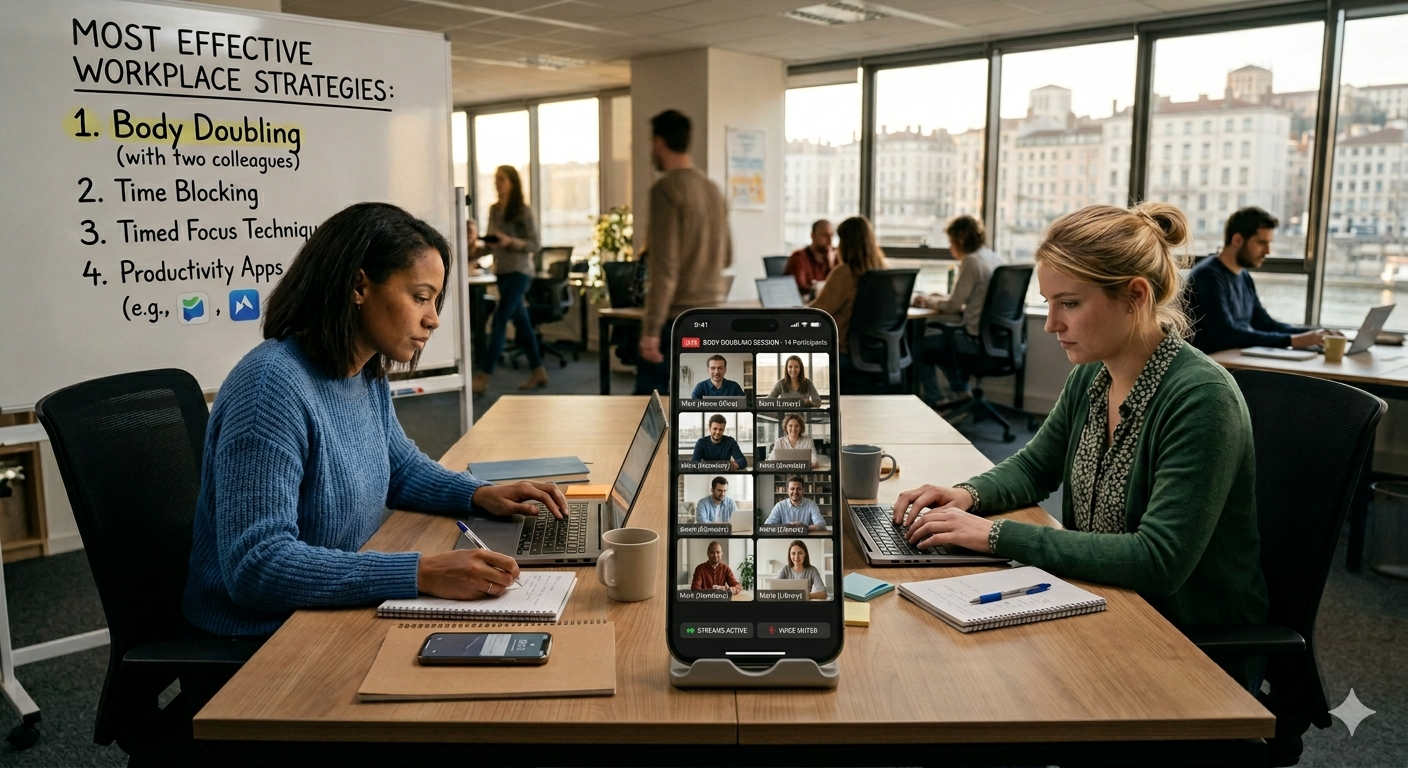
What is the best digital planner app for ADHD? ZoBud was built specifically for ADHD-friendly planning. Tasks appear as floating bubbles sized by effort and colored by urgency — removing the visual overwhelm of flat lists. AI breakdown, voice input, mood check-ins, and body doubling are all included free.
Can I use a digital planner app on iPhone, Android, and browser? Yes. ZoBud is available on the App Store, Google Play, and as a full web app at app.zobud.com. Your data syncs across all three.
What makes ZoBud different from other digital planner apps? Most digital planner apps stop at organizing tasks. ZoBud connects planning to doing — every planned task can be started as a timed focus session with calm music, from the same app. It also tracks your mood and energy over time so your planning improves week by week.
Start planning free today
ZoBud is free forever on the features that matter most. Open it in your browser right now — no download, no account, no card.
👉 Try ZoBud in your browser — app.zobud.com 📱 Download for iPhone · Download for Android
Tags: digital planner app, best digital planner 2025, planner app free, ADHD planner app, weekly planner app free, digital planner iOS Android, focus planner app, ZoBud