Why do habits stick better with friends?
Doing something where someone else can see it changes how it feels to skip it. That is the whole idea behind accountability partners. You do not need a coach. You need one or two people who would notice if you disappeared.
The catch: most habit apps add this by adding competition. Leaderboards, streak battles, points. That works for some people. For others (especially people with ADHD or a fragile routine) a bad week on a leaderboard feels like proof that you are failing, and the app gets deleted.
So the real question is not "should I share habits?" It is "what kind of sharing helps me keep going?"
What should a shared habit tracker actually do?
Look for these five things before you pick one:
- One check-in. You should not have to log a habit twice, once for yourself and once for the group.
- Private by default. You choose which habits friends see. Meditation can stay yours while the gym habit is shared.
- Small circles. A handful of people you trust, not a public feed.
- Support actions, not scores. A cheer or a nudge beats a ranking.
- Leaving is clean. If you stop sharing, you should keep your history. Your streak should not be held hostage by the group.
How does ZoBud's Flock Circle work?
Flock Circle is ZoBud's shared habit space. It is a private circle of friends. You join with an invite code, and there is no size limit.
The core rule: a shared habit is a repeat task. It has one schedule and one history. Check it off on your Home screen, in your Habits tab, or inside the Circle. It is the same check-in every time. There is no separate "group habit" list to maintain.
To share a habit:
- Tap Add habit in the Circle.
- Pick an existing repeat task, or create one first and then share it.
- Choose who sees it: Friends (it goes on the circle board) or Public (it becomes an open group named after the habit). You can share up to 12 habits on a circle.
What does the circle board show?
| Section | What it means |
|---|---|
| Together | Several people doing the same habit, merged into one card. Everyone still keeps their own task and their own check-ins. |
| Mine | Habits you shared. |
| Friends | Habits your friends shared. You can join, cheer, or nudge. |
| Public | Your habits in open groups. |
At the top you see your own progress ring and Team today: who has checked in and who is still pending. From there you can nudge everyone who has not finished yet.
What can friends do?
- Cheer someone who finished.
- Nudge someone who has not yet today.
- Join a habit, which copies it into your own repeat tasks so it shows up on your Home screen.
- Share a story about your progress as a post. Below the board there is an activity feed with streaks, comebacks, hatches, and new members.
Is there a leaderboard?
No. The only shared number is the circle's weekly progress: how many shared habits were completed against how many were scheduled, across everyone. It answers "did we show up this week?" and nothing else. Nobody is ranked.
What about privacy?
You pick a detail level per habit. Detailed shows the habit name. Private shows a generic label to others. Habits in public groups stay detailed, since the group is open by design.
What if I stop sharing?
Unsharing a habit or leaving a group only stops the sharing. Your task and your history stay exactly as they were, and your friends can keep going without you. Nothing gets deleted.
How does ZoBud compare to other habit apps with friends?
Here is the honest version. Several apps let you share habits. They make different trade-offs.
| What you want | Typical approach | ZoBud Flock Circle |
|---|---|---|
| Competition and ranks | Some apps (for example CTRL Habits and BetterU) lean into leaderboards and challenges | No leaderboard. Weekly team progress only |
| Gentle, private groups | A few small apps (CoHabit, Habitomo) also focus on private circles and soft reminders | Yes, plus an optional public group for any habit |
| One habit, one history | Worth checking in any app: does a shared habit duplicate your personal one, or is it the same entry? | Shared habit = your normal repeat task, one history |
| Light social touches | HabitShare uses GIF messages; others use reactions | Cheer and nudge, plus an activity feed |
| Platform | Some are iPhone-only | iOS, Android, and web |
| Beyond habits | Most are habit-only | Energy-based planning for the rest of your day, built for ADHD brains |
The last row is the real difference. Most shared habit apps are habit trackers with a social layer. ZoBud is a planner built around your energy, and habit sharing sits inside it. Your shared habits show up next to the rest of your day, not in a separate app you have to remember to open.
Competitor details are taken from their public App Store descriptions and can change. Check each listing before you decide.
Is a shared habit app good for ADHD?
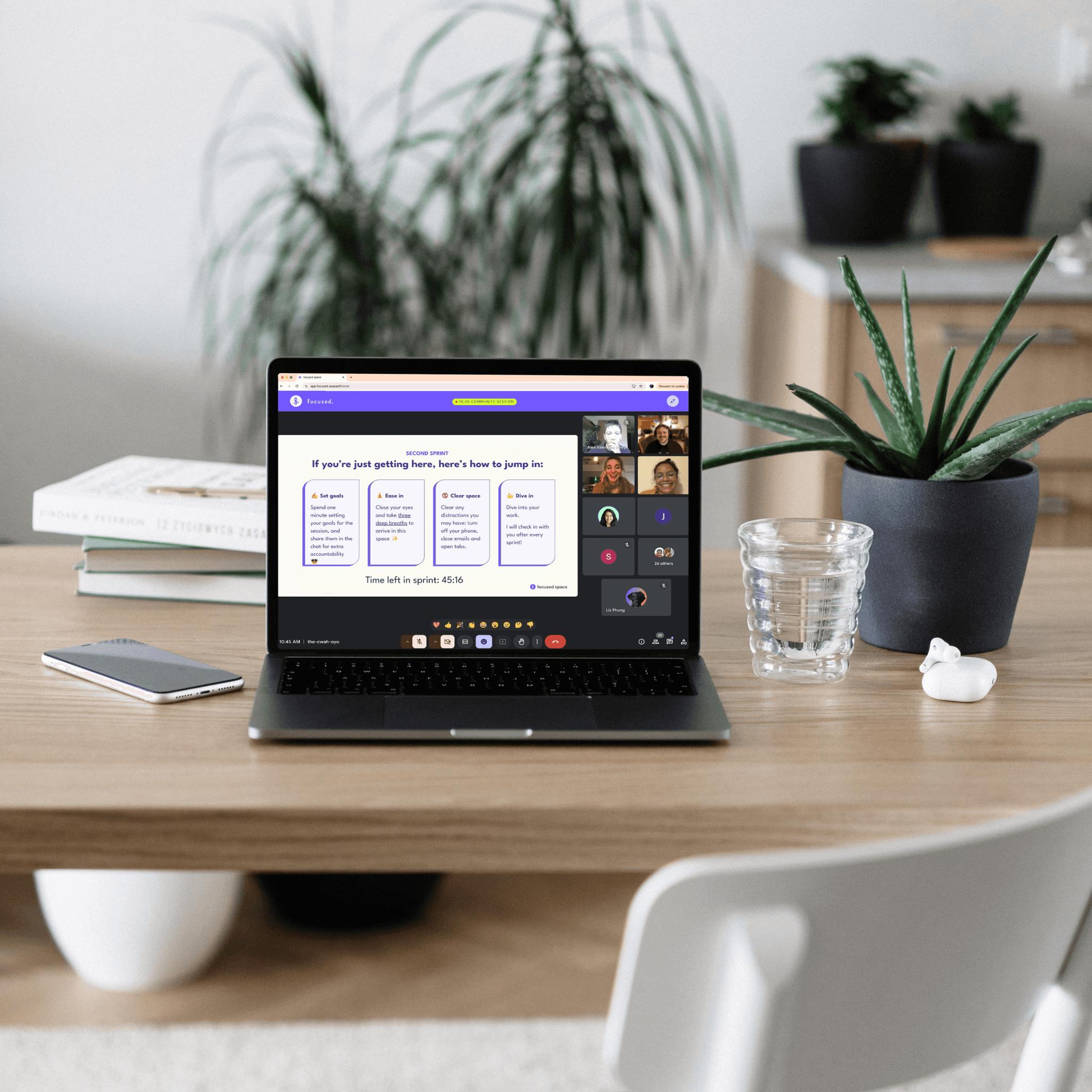
It can be, with one condition: the pressure has to be low. Many people with ADHD find that body-doubling (doing a task while someone else is present or aware of it) makes starting easier. A shared habit gives you a light version of that. Seeing that a friend already checked in can be enough to get you moving.
What tends to backfire is public ranking and streak shaming. That is why Flock Circle is built around cheer, nudge, and a team bar, not scores.
How to start in under five minutes
- Pick one habit you already repeat, or want to repeat. Not five.
- Add it as a repeat task in ZoBud.
- Create a circle and send the invite code to one or two friends.
- Share the habit to the circle as Friends.
- Check in daily. When someone nudges you, that is the system working. Start small. A circle with two people who actually check in beats a circle of twenty who do not.
FAQ
What is the best app to share habits with friends?
It depends on whether you want competition or support. If you want leaderboards, look at apps built around challenges. If you want a private circle with no ranking, ZoBud's Flock Circle and a few smaller apps fit better. ZoBud also covers daily planning, so your habits live next to your tasks.
Can I share only some of my habits?
Yes. You choose which habits to share and whether others see the habit name or a generic label.
Do I need to log my habit twice, once personally and once for the group?
No. A shared habit in ZoBud is a normal repeat task. One check-in from Home, Habits, or the Circle counts everywhere.
Is there a leaderboard in ZoBud?
No. The circle shows weekly team progress (completed against scheduled) and nothing that ranks people.
What happens to my history if I leave a circle?
It stays. Leaving or unsharing only stops the sharing. Your task and check-ins remain, and your friends can keep going.
How many habits can I share?
Up to 12 shared habits on a circle.
Is ZoBud available on Android and iPhone?
Yes, on iOS, Android, and web.
Do habit apps with friends actually work?
Social accountability helps many people stick with a routine, but results vary. It works best when the group is small, the habit is clear, and nobody feels judged for a missed day.
Ready to try it? [Download ZoBud] and start a Flock Circle with one friend and one habit.
4. Schema markup (paste into the page <head>)
Replace the placeholders (author, image, dates, URL). Keep FAQ text identical to the visible FAQ on the page, or the markup can be ignored.